
The invoice you don't have to remember to send.
It's the 1st of the month, so you open last month's invoice, change the date, change the number, and send it again. You'll do it again in thirty days. Set it up once instead.
Free during beta · No card required
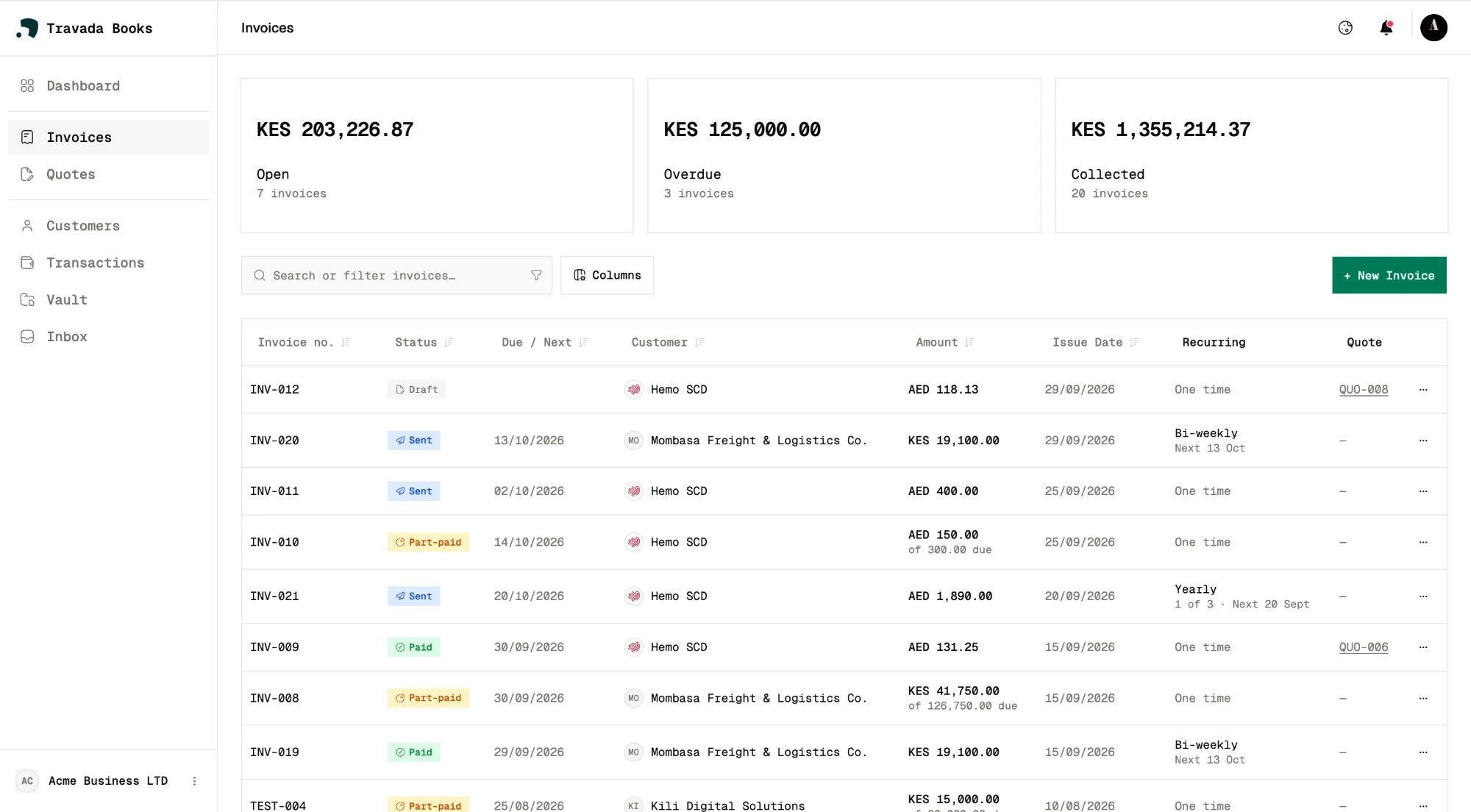
Recurring invoices
Same client, same amount, every month? Set it up once. Weekly, every two weeks, monthly, quarterly or yearly — end it on a date, end it after a set number, or let it run until you stop it. You'll see the next three send dates before you commit to anything.
Recurring invoice
Kilele Studio
Brand retainer
KES 85,000
per month
Repeat
Ends
NeverUpcoming invoices
Scheduled sending
Finished the invoice at midnight because that's when you had a moment? Pick a date and time and it sends itself. It'll be at the top of their inbox when they actually sit down to look.
Open
KES 412,500
7 invoices
Overdue
KES 60,000
1 invoice
Paid
KES 948,200
18 invoices
Payment score
16 days to pay
18 invoices paid
Reminders that go out on their own
The invoice is late. You know it, they know it, and neither of you wants to have the conversation. Choose how many days after the due date, and let the software have it instead — the invoice marks itself overdue and the reminder goes out without you touching it.
INV-0042Mawingu Consulting
- 1 Sep
Invoice sent
Emailed with a link to the invoice
- 15 Sep
Due date
14 days after issue
- 16 Sep
Marked overdue
Automatically, the day after
- 18 Sep
Reminder sent
3 days after the due date
- 19 Sep
Paid
KES 60,000 recorded
Auto reminders
3 days after due dateQuotes that become invoices
Send a quote. The customer opens it with a link — no app, no signup — and accepts or declines. Accept it and the invoice is already drafted, ready for you to check and send. You retype nothing.
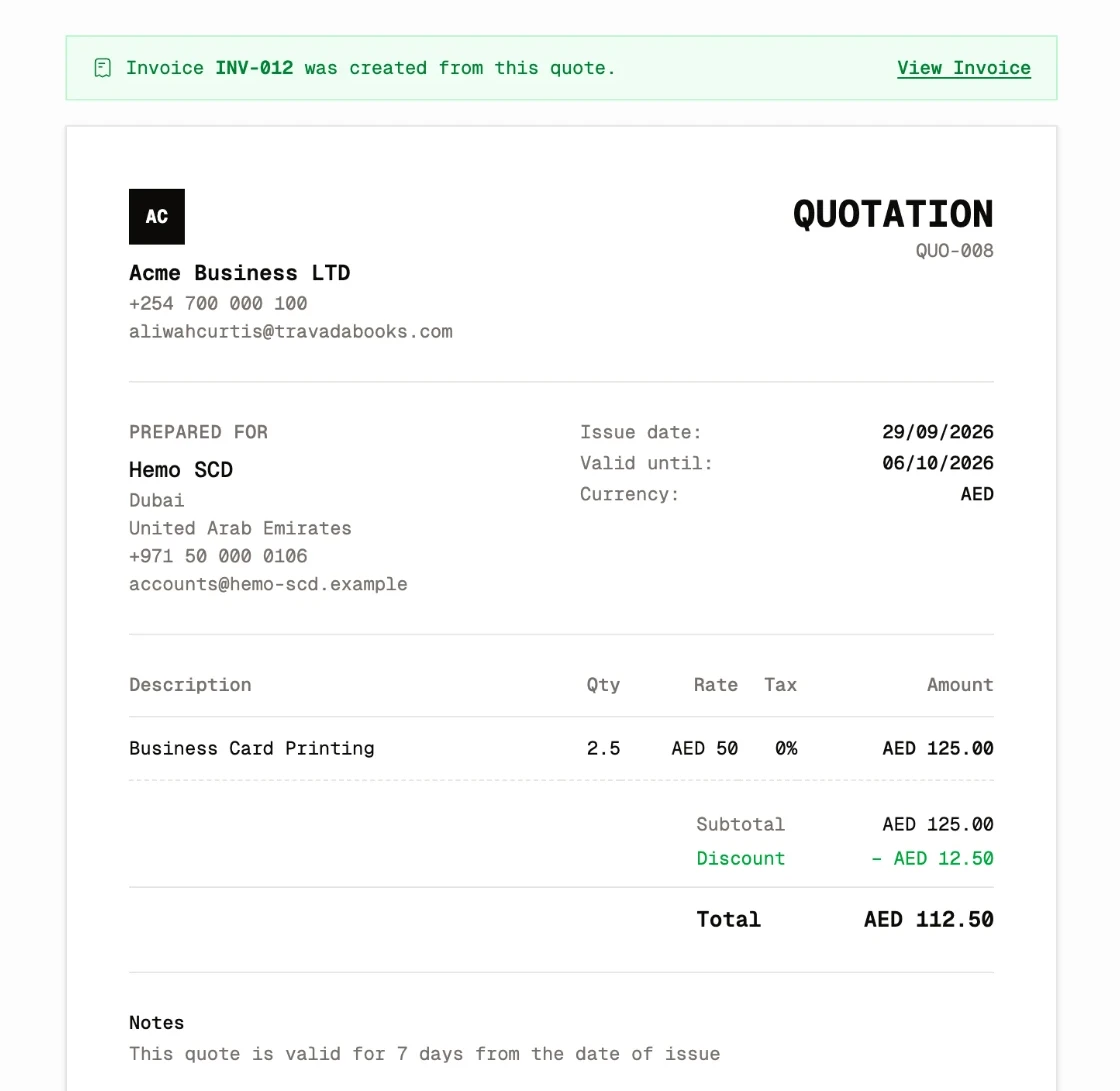
The details that keep the workflow moving.
One statement per customer
A customer who owes you across six invoices gets one statement, one link to send them.
Any currency
Bill a client in pounds, dollars or euros and still see your own totals in your base currency.
Part payments
Record what arrives and the balance updates itself. Log the rest as it comes in.
Customer portal
Give a customer one link to every invoice, quote and statement you've sent them.
Free during beta · No card required
Do the work. Not the paperwork.
Set up the books once. Give the business your attention.
Start free